
Regress 2.0
 The SN Nerd
·
Apr 20, 2026
·
article
The SN Nerd
·
Apr 20, 2026
·
article
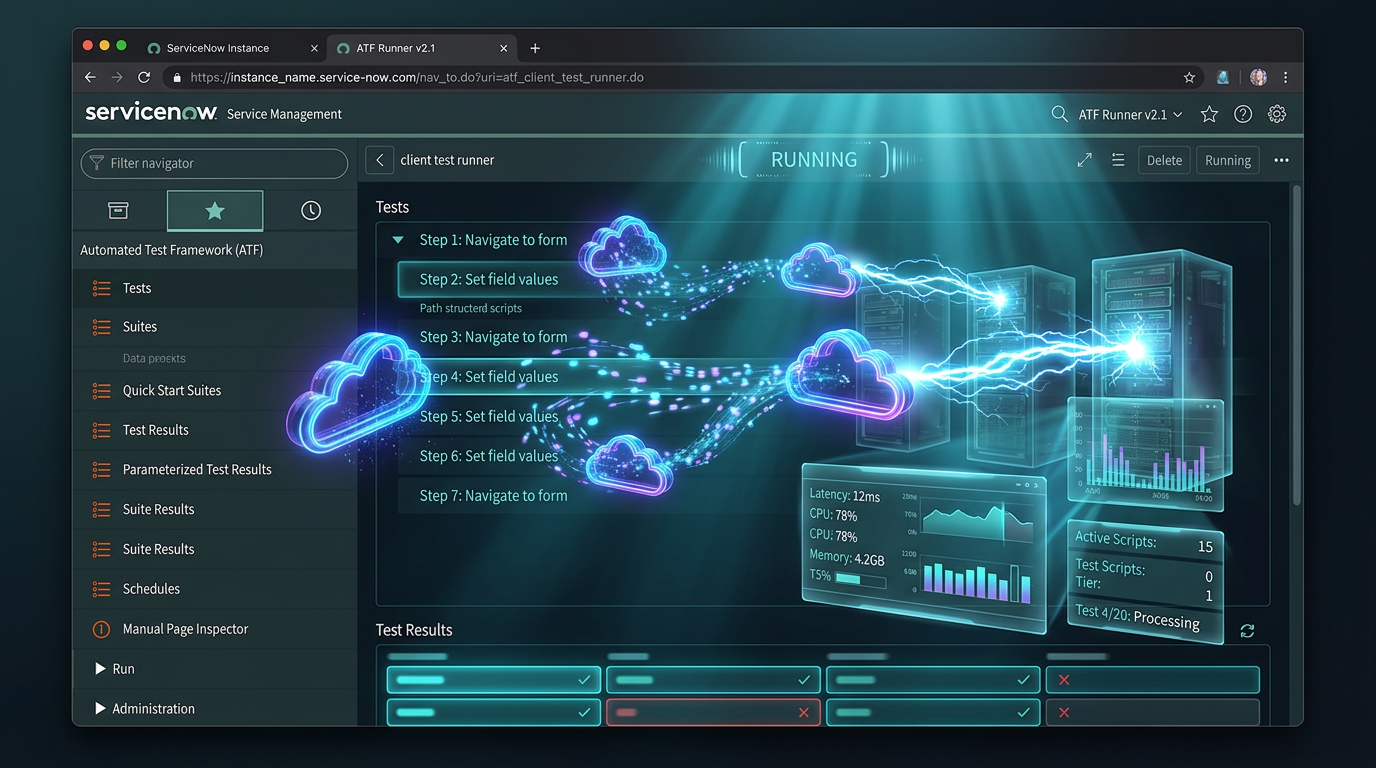
I’m writing this blog post to celebrate the long-awaited release of Regress 2.0, in conjunction with my NullEdge NullStack Alpha presentation, I built an ATF Test Recorder to use ATF as a Developer.
What is Regress?
Regress is a custom supplementary tool for ServiceNow’s official automated testing tool the Automated Test Framework (ATF), that automatically creates Test Steps based on the form state and the actions you take when saving records in ServiceNow.

Test Steps generated using Regress
Regression Testing Use Cases
I built this application for regression testing, to address the following specific use cases:
Upgrades
The longest part of upgrading a ServiceNow environment is often testing. Getting all the relevant teams to test the different areas of the tool is very time-consuming and can be compared to herding cats. UAT often takes at least 2 weeks to complete, in which development is often paused for a platform that often has huge demands.
Using Regress, you can baseline your entire system as ATF tests before upgrades, simply by hitting record and manually executing all of your existing important test cases. ATF tests with steps will be automatically generated for almost everything you do – the records you save, the fields you populate, the UI actions you see and click, the entire form state.
After you upgrade, instead of waiting weeks for UAT to complete, simply re-run all of your ATF tests. This will quickly highlight any upgrade differences that can be remediated. Reduce your UAT time from weeks to days.
Deployments
Developing for ServiceNow is not as simple as just developing code and configurations once. Each time you push or pull your changes upstream, you need to validate that your configuration works exactly as it did in your development environment.
With Regress, once you have finished your development, you can baseline the configuration behaviour with Regress. Simply hit record and run through the changed forms and processes, even Catalog items, and tests will be generated for you.
Add your tests to Update Sets to include in your deployment package and run them in each environment to verify your deployments. This saves time testing and gives you certainty that your deployment was successful.
New Features
For those already using Regress, you may be wondering what is new in this version?
Record in Workspaces
ServiceNow has well and truly moved to a workspace-first model; ATF did not initially support it. Limited support for this was introduced in the Washington DC family release; however, Regress did not support this.
Regress finally works in Configurable Workspaces, with the following exceptions:
- ‘Validate Filed State’ Test Step has been disabled.
This is not due to Regress, but a platform bug with ATF. It is so inconsistent and buggy that I’ve made the decision to remove this functionality when recording in Configurable workspaces until it is fixed. My functionality to record the field state works, but ServiceNow’s test step doesn’t evaluate it properly. - Only ‘Form’ Test Steps are supported.
I built the functionality out for Service Catalog steps (i.e. Validate Variables, Populate Variables); however, ServiceNow support has confirmed that only Form Test Steps are supported, to the exclusion of Service Catalog steps and all others.
Test Management Dashboard
Managing ATF tests in ServiceNow is extremely challenging. No OOB dashboard neatly shows all your test executions and the current health of your tests.
I’ve created a dashboard that tracks the health of your ATF tests. To reduce the noise, it relies on the concept of a Certified Test. A Certified Test is an active Test that has passed at least once since it was last updated – any changes to test steps, parameters, etc. The key concept is that we only care about managing tests that have passed since they were last updated, which reduces a great deal of the noise.

New Test Health Dashboard
- Test Certification Rate – % of certified Tests for all active Tests
- Certified Tests – Total number of certified Tests
- Failing Tests – Certified tests that have failed one more time
- Failed Tests – Certified tests whose last execution failed
- Overall Pass Rate – Of all your certified test executions, the % pass/fail rate
- Not Scheduled – Certified Tests that are not scheduled to occur automatically
- Aged Tests – Number of Certified Tests that have not been executed for 30 days
The KPIs here are to have a high Test Certification Rate and Overall Pass Rate % with a low number of Aged Tests. This will help you keep on top of managing your Tests and Test Executions.
Easy Service Catalogue Setup
Catalog items previously required a Variable Set to be added to support Regress recording. This is no longer required, provided you are using the OOB widget-sc-cat-item-v2 widget.
Improved Recording Details
I’ve improved the recording details screen, adding some Bootstrap styles and layout improvements.
Highlighted UI Actions
I’ve added a debug option that will highlight UI Actions that are supported for recording ‘Click UI Action’ or ‘Click Declarative Action’ Test Steps.
Where can I get it?
Download it from ServiceNow Share.
For more information on the features, see https://regress-atf-recorder.com/
The post Regress 2.0 appeared first on The SN Nerd.
https://sn-nerd.com/2026/04/20/regress-2-0/