
Non-Production Instance Theming Part 2 - Custom Product Name
 davidmac.pro
·
Mar 04, 2024
·
article
davidmac.pro
·
Mar 04, 2024
·
article
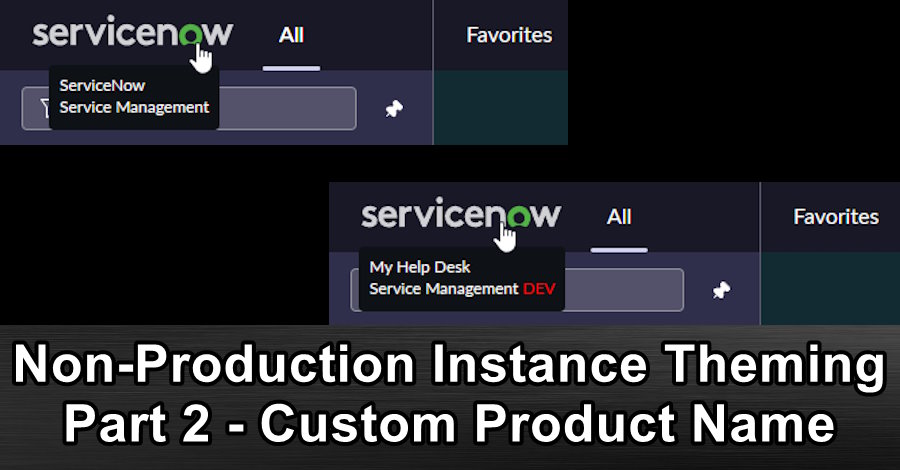
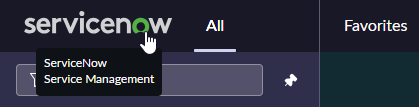
Product description text
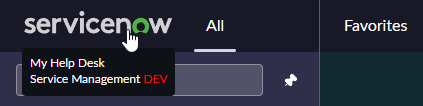
You can change this text to give it some flair.
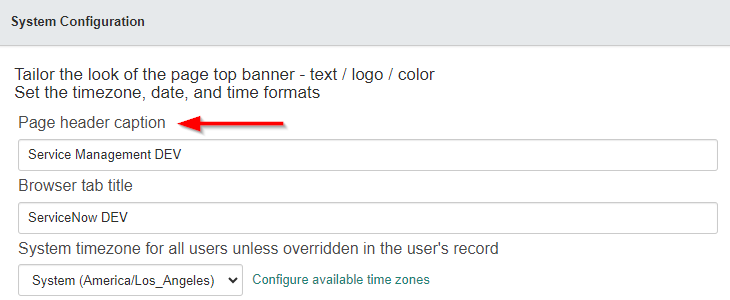
To change the "Product Description".
- Navigate to "System Properties > Basic Configuration".
- Look for and update the "Page header caption" [glide.product.description] field.
- Click on "Save".
These changes are considered theming and will survive a clone over the instance.
As of the Utah release in the Next Experience UI, ServiceNow recommends not changing the "Product description" [glide.product.description] and instead using Banner Announcements with "Non-dismissible" enabled so it's always there.
This change will not affect the Service Portal which uses its own configuration for the logo and product name.

View original source
https://davidmac.pro/posts/2024-04-29-sn-theming-2-banner-text/